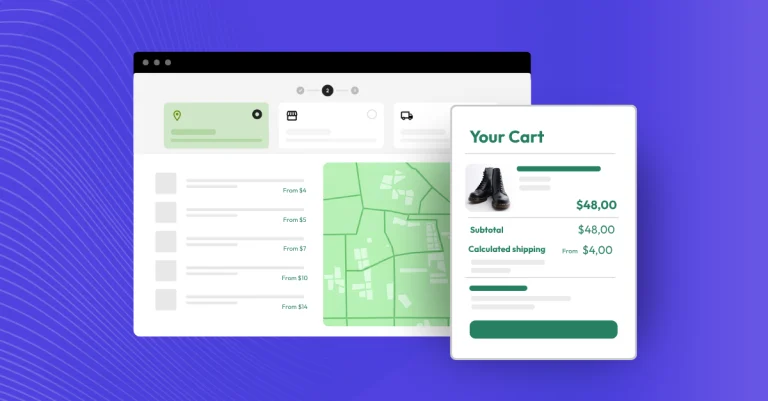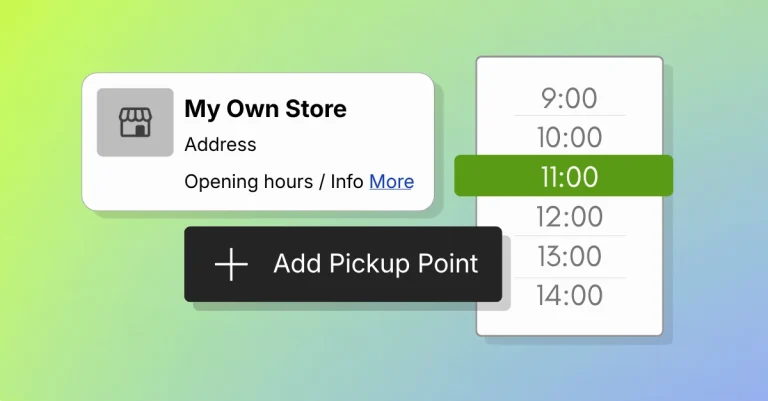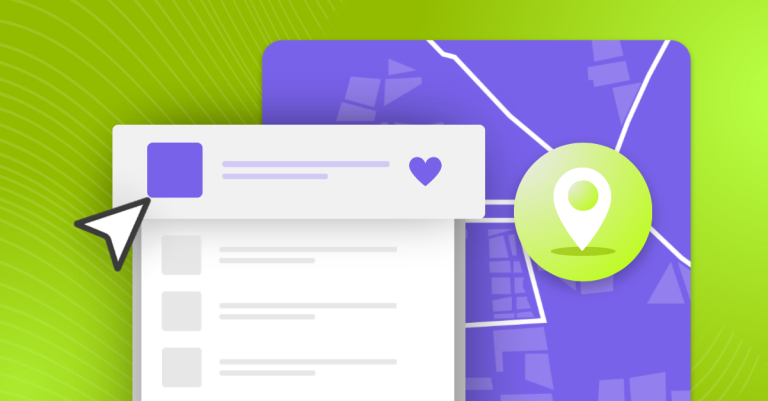
Scheduled store pickup has arrived in PickupBird, giving Shopify shoppers a way to choose when they collect an order from your own shops. With a pickup date and time slot picker, customers can plan their visit around their day. And it is available in every PickupBird plan, including Free.
Customers want to shop online and pick up in person, and timing matters just as much as location. Giving them a collection date and time slot to choose with PickupBird’s solution makes that part of the purchase easier to plan.
For your team, those choices need to reflect what is possible in the shop. That is where preparation times, daily cutoffs and blackout dates come in: you set the schedule behind the available pickup options.
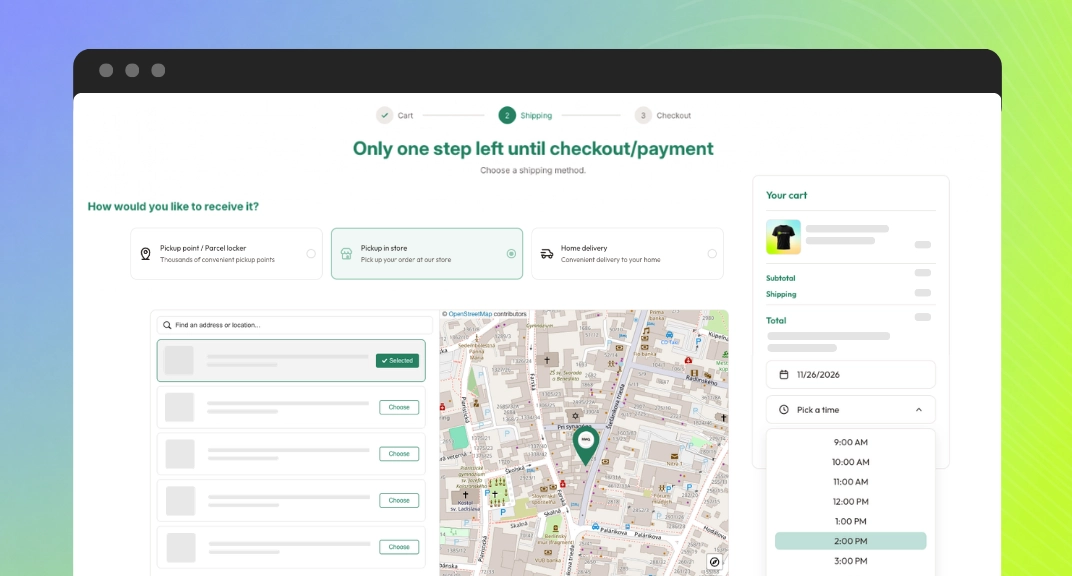
Turn “I’ll Pick It Up” into a Planned Visit
Store pickup connects an online purchase with a visit to your physical shop. Adding a date and time slot gives that visit a clearer place in the customer’s plans.
With PickupBird, the customer can:
- Choose a pickup location from your own shops.
- Select an available date that fits their plans.
- Pick a time slot for collecting their order.
The value is in bringing those choices together. A shopper can choose the shop near their office and an afternoon collection slot, for example, instead of selecting a location and leaving the timing for later.
Your own shops become pickup points with a collection schedule behind them. Whether you offer one location or several, customers can choose where to go and when to arrive.
What’s Included in Scheduled Store Pickup?
An order placed early in the morning and one placed just before closing leave your team very different amounts of preparation time. Scheduled store pickup lets you account for that difference when organizing collection.
Use the settings together to build a schedule around your daily work:
- Opening hours: add the hours your pickup locations are open for collection.
- Preparation time: allow time to gather the products, pack the order and get it ready for handover.
- Daily cutoff times: set the order deadline that affects the preparation schedule for orders placed later in the day.
- Blackout dates: exclude specific dates when collection is unavailable, such as holidays, stocktaking days or temporary closures.
For example, your shop may still be open in the late afternoon, but your team may need orders earlier to prepare them for same-day collection. A cutoff helps you account for that. A holiday closure is a different situation: you can exclude the date altogether.
These details make the pickup date and time slot picker useful for the people on both sides of the counter. Customers have a collection window to plan around, and you can offer times that allow for the work involved.
How to Set Your Shop as a Pickup Point?
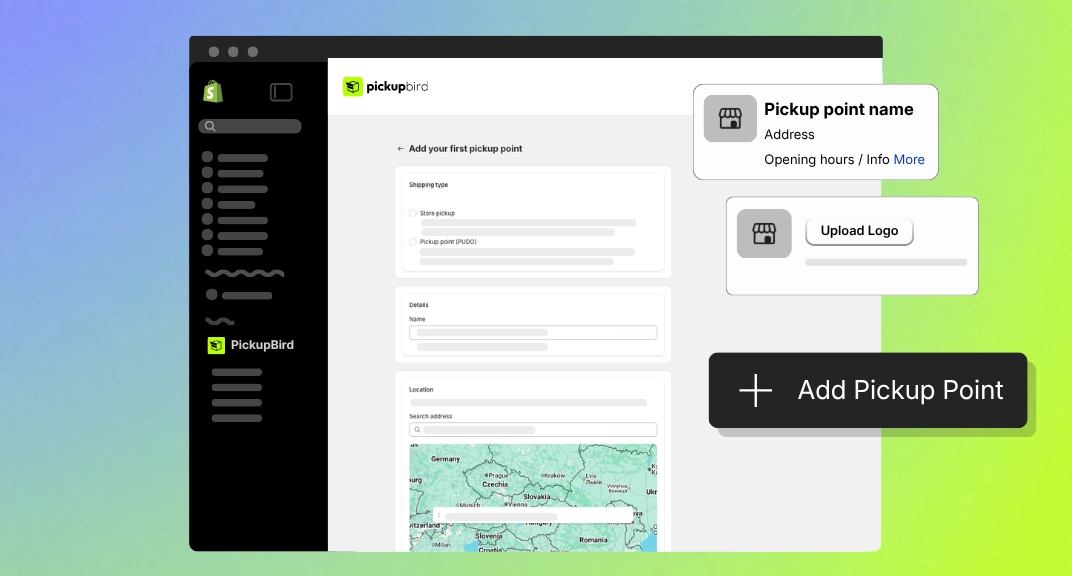
Follow the quick guide to set your own physical stores as pickup points and add the scheduler options for them.
- Install PickupBird
- Go to the Shipping Providers menu
- Click the Custom pickup points button in the top right corner
- Add your pickup point and set it up
Put Your Own Shops on the Map
How customers find your shops should fit the way they choose delivery in your store. PickupBird gives you two options for presenting in-store pickup.
1. Display Your Own Pickup Locations Among Other Carriers on the Map
Show your own shops alongside other carriers’ pickup points on the map. Customers can find a nearby shop, select it, and choose a pickup date and time slot.
2. Show In-store Pickup Separately Among Your Delivery Methods
Add in-store pickup as a separate option in your delivery method list. Customers can choose it to select one of your shops, then pick a date and time slot for collection.
Both options have the same scheduling features. You choose the presentation; customers can choose their collection time in either version.
Scheduled store pickup is currently available through the Smart Delivery Page and Cart page integration. Your chosen integration’s existing requirements still apply.
If you want a dedicated place for delivery selection before Checkout, see how the Smart Delivery Page works. You can also explore PickupBird’s other pickup and delivery features to plan your store’s delivery experience.
A New Pickup Option, Included in Free
Scheduled store pickup is available in every PickupBird plan, including Free. You do not need to upgrade to give customers a pickup date and time slot picker for your own shops.
For merchants with physical stores, it brings the online order and the in-store visit closer together: customers choose a location and a time, and you shape the collection schedule around how your business works.
Give your customers a way to plan their next visit. Set up scheduled store pickup in PickupBird, or install PickupBird from the Shopify App Store to get started.
Frequently Asked Questions
Can customers choose a pickup date and time slot in my Shopify store?
Yes. With PickupBird’s scheduled store pickup feature, customers can choose a pickup location from your own shops, then select an available date and time slot for collection.
Do my shops have to appear among other carriers on the pickup point map?
No. You can display your shops among other carriers on the pickup point map or offer in-store pickup individually among your delivery methods. Both options include the same date and time slot selection and scheduling features.
Can I account for preparation time and days when my shop is closed?
Yes. You can add opening hours, set preparation times and daily cutoffs, and exclude specific dates using blackout dates. These settings help you organize pickup availability around your shop’s schedule.
Is scheduled store pickup included in PickupBird’s Free plan?
Yes. Scheduled store pickup is available in every PickupBird plan, including Free. It currently supports the Smart Delivery Page and Cart page integrations; the requirements of your chosen integration still apply.