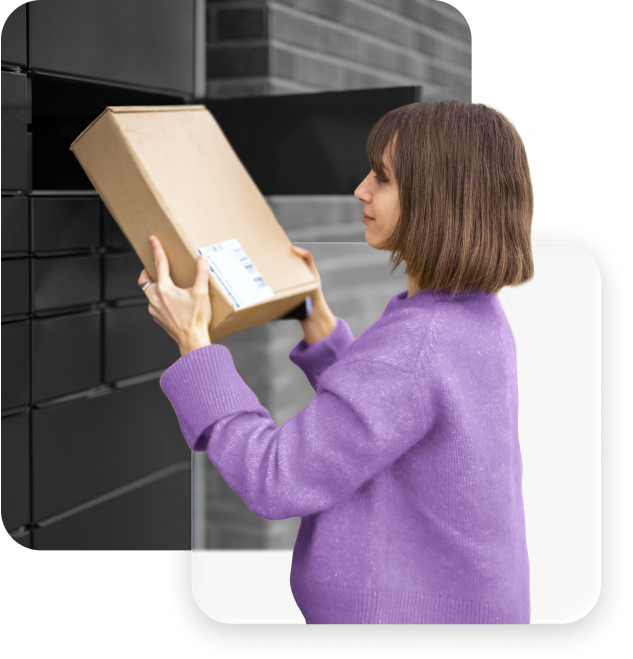
Home delivery options are available for all markets where you have a contract with a courier partner. These orders will appear in the PickupBird app, however, package points are currently only available in the countries listed above.
Why offer pickup points?
Lower shipping costs
Fewer failed deliveries
Higher checkout conversion
More delivery flexibility
3 steps to get started
Integrating the PickupBird Shopify pickup point app to your online store takes only a few clicks. You don’t have to be a tech savvy. Still have any questions? Our support is happy to help.
Get the app
Install the PickupBird app from the Shopify App Store.
Connect carriers
Follow the quick setup guide, helping to set up pickup points and customize the integration.
Activate the app
After setting up everything, activate PickupBird on the app’s dashboard to get it up and running in your Shopify store.
Yes. PickupBird supports multiple shipping providers, allowing you to offer pickup locations from different carriers. This helps your customers choose the most convenient pickup point near them.
Can I offer both home delivery and pickup point delivery?
Yes. In PickupBird you can set both home delivery and pickup point delivery options. This allows you to give customers the flexibility to choose the delivery method that works best for them.
How long does it take to set up PickupBird?
Setup usually takes just a few minutes. Install the app, follow the quick setup guide, and activate pickup points for your store.
Can I try PickupBird for free?
Yes. PickupBird offers a Free plan you can use forever, while the Pro and Plus plans include a 14-day free trial.
Add pickup points to Shopify. Simple. Fast. Free to start.
Enjoy Free until you actually use PickupBird at scale – or Try Pro 14-days free.