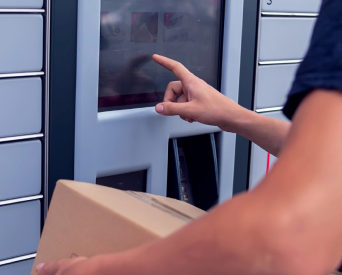
Boost conversions with pickup point delivery and manage carriers and fulfillment partners from one simple Shopify app.
Quick and easy setup
Add pickup points to your Shopify store fast and easy. No coding is required to expand your store.
All Shopify plans supported
Add a map to Cart on any Shopify plan. For Checkout list, a plan above Shopify Basic, for Checkout map, Shopify Plus is required.
Enjoy free support
PickupBird offers free email and chat support to help you with setup and any questions.
Frequently Asked Questions
How to start using PickupBird?
Install the PickupBird app from the Shopify App Store, then follow the quick step-by-step guide to connect to your carrier partners and set up your shipping preferences.
How to connect shipping providers to my store in PickupBird?
Connecting shipping providers to your Shopify store is quick and simple. While the setup process is similar for most carriers, some steps may vary by provider. For detailed instructions about each provider, visit our Help Center.
Which e-commerce platform is supported by PickupBird?
PickupBird is available for Shopify stores. The application was made so you can add a customizable, interactive map of pickup points to your Cart, Checkout, and Thank You pages, and show the nearest pickup point suggestions on the Checkout page in your store.
Do I need a contract with the carriers?
Yes, you need a registration and/or a contract with carriers to create shipments. For some shipping providers in the app, you need to provide your API/contact details to synchronize order details automatically. For a few carriers, PickupBird simply adds the pickup point map to your store, but you need to go to their platform to create shipments. In both cases, you need a registration with them.
Stop losing sales at checkout. Offer pickup points in your Shopify store.
Make your checkout a delivery magnet. Stay free forever or go Pro for unlimited orders and carriers.