Looking to grow your online store? PickupBird brings convenient pickup point options and seamless home delivery to Shopify stores and helping you to turn more visitors into buyers.
Designed specifically for Shopify stores with quick setup, seamless integration, and simple daily work.
Built for more conversions
Optimized to reduce checkout friction and help turn more visitors into paying customers.
Built for You
Flexible and customizable to match the way you run your store and serve your customers.
Unlock a multi-carrier pickup point network
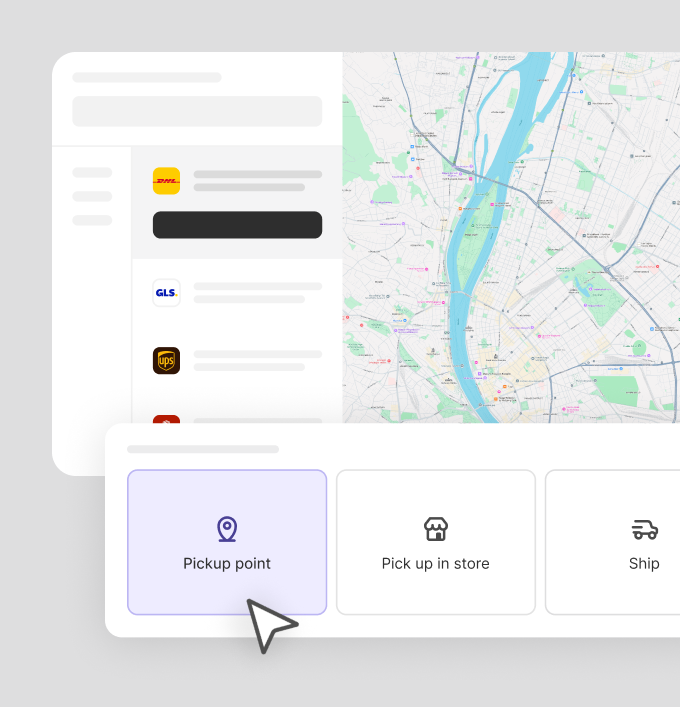
Want to add pickup points to your Shopify store? With PickupBird, customers can choose convenient locations on an interactive map. There is no need to use multiple apps to connect to different carriers. Ship in 20 countries with DHL, UPS, GLS, DPD, Packeta, InPost, PPL, FAN Courier, FOXPOST, MPL, and more.
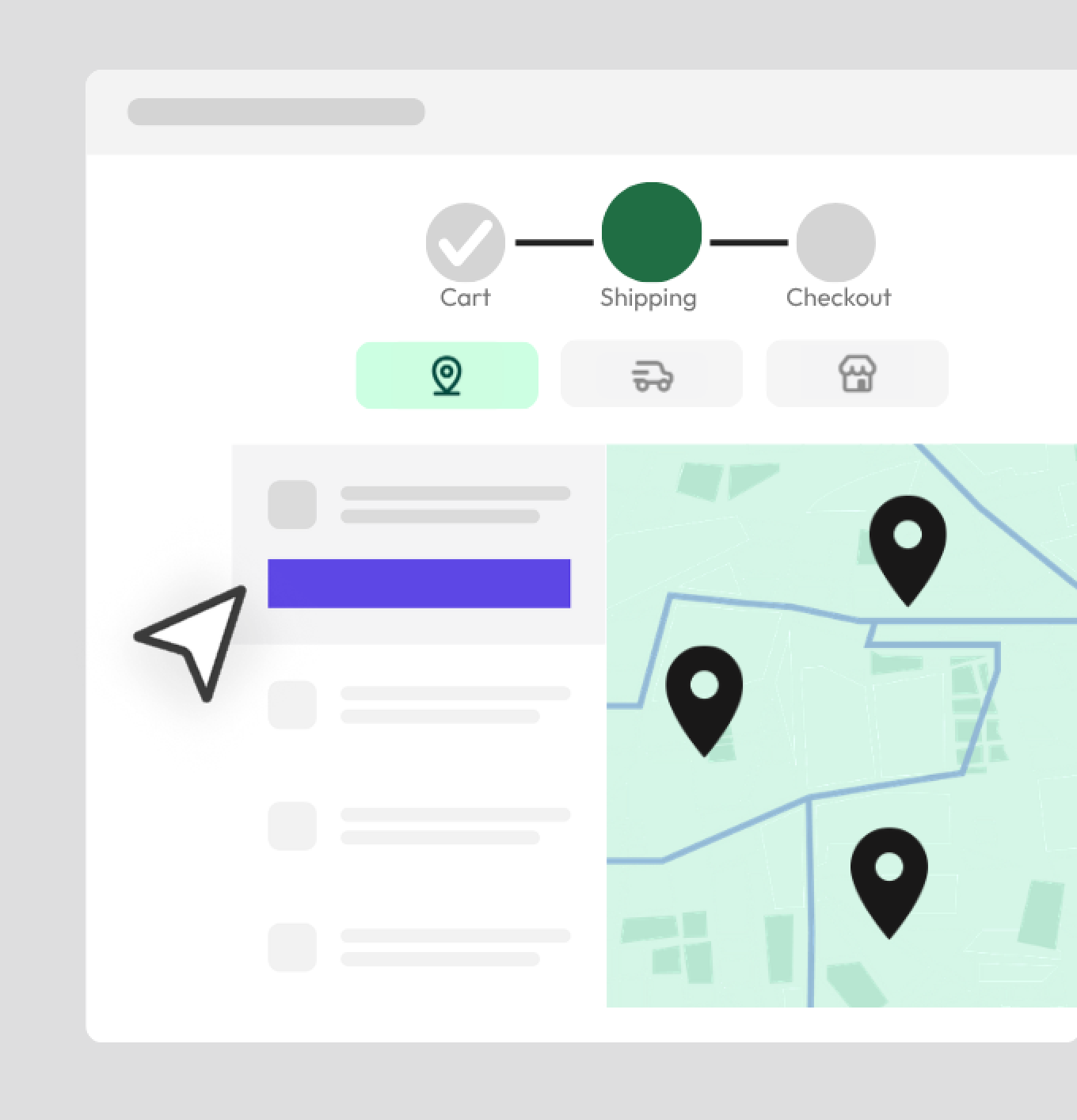
Display an interactive pickup point map directly in your Shopify store on a Smart Delivery Page, Cart, Checkout, or Thank You page. Help more customers complete their orders and select nearby pickup locations.
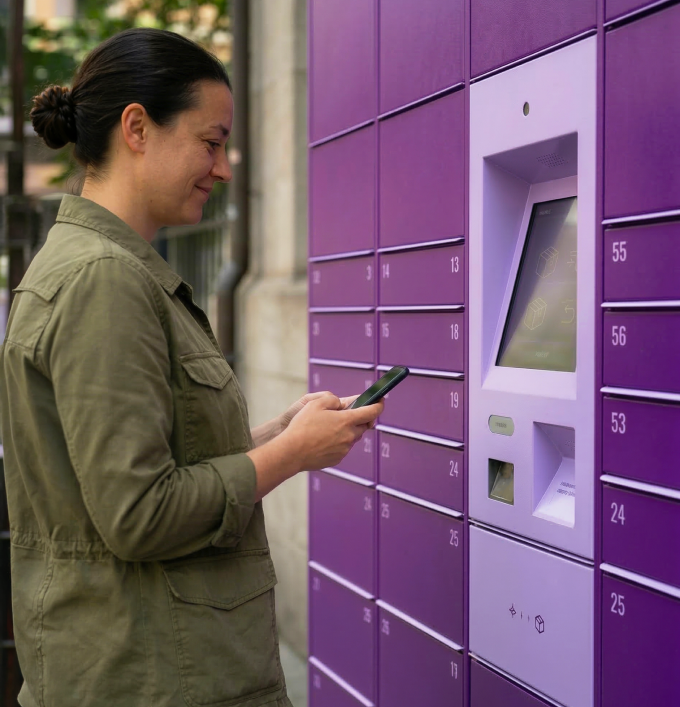
Interactive map with nearby parcel shops and lockers
Works directly in Smart Delivery Page, Cart, Checkout, and Thank You page
Customizable map design to match your store layout
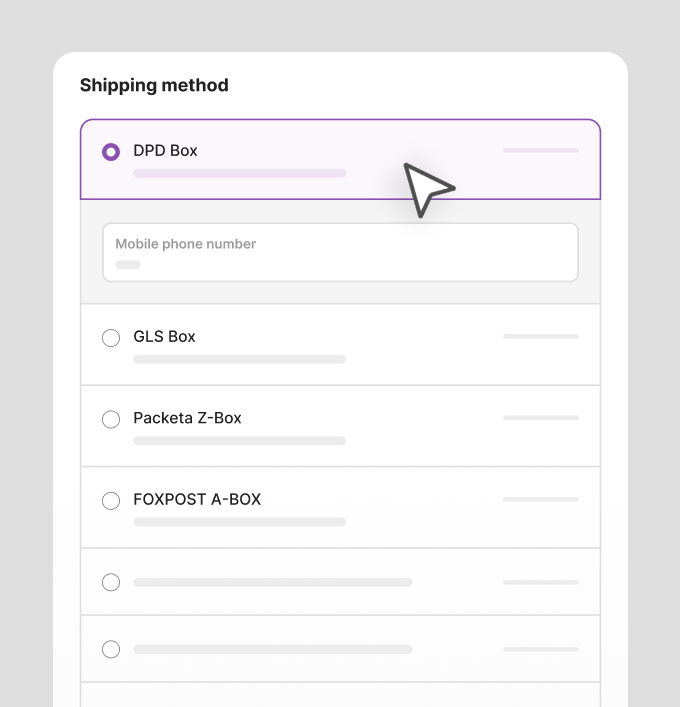
More delivery choices for your customers
Perfectly fits your checkout flow
Smart Delivery Page, for all Shopify plans
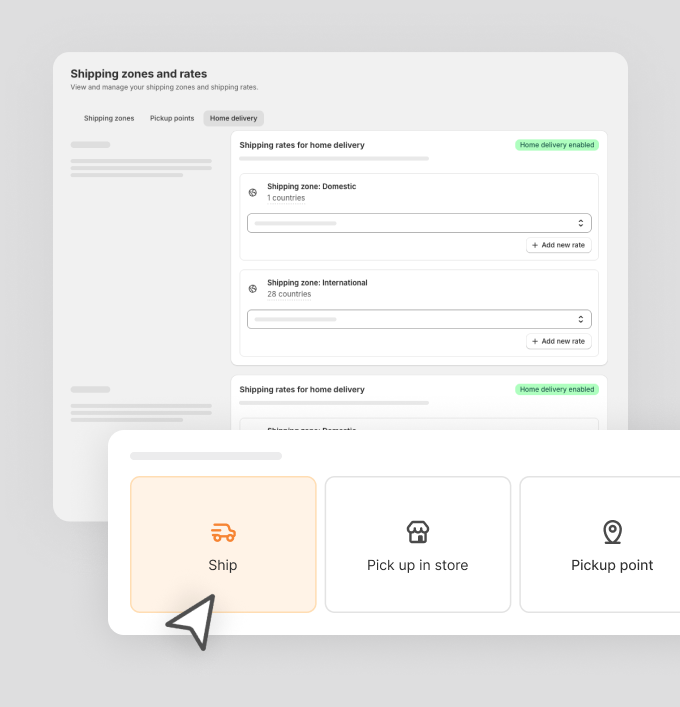
Give customers a dedicated page between Cart and Checkout to choose how to receive their order. Smart Delivery Page brings together an interactive map of pickup points and parcel lockers, home delivery, and in-store pickup, with their cart summary right alongside.
Offer versatile delivery solutions in your Shopify store, including home delivery and Cash on Delivery (COD) support, catering to various customer preferences.
Support multiple carriers for home delivery
Easy setup directly in your Shopify admin
Match different customer preferences
Simplify shipping tasks
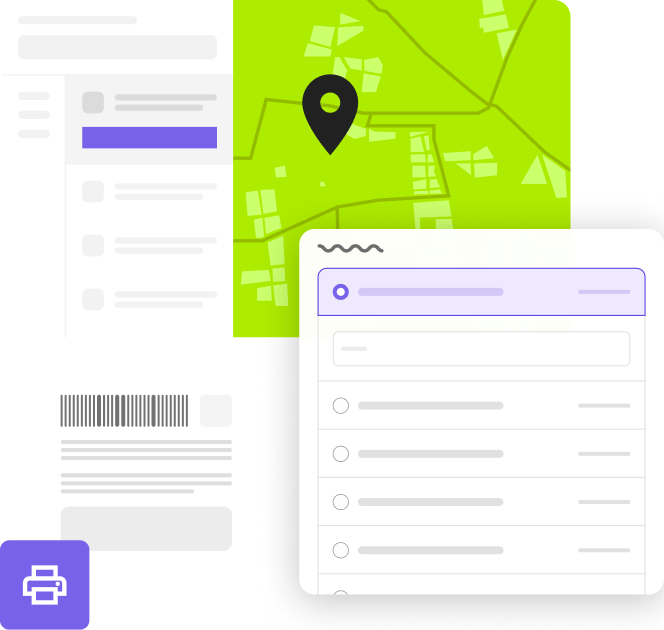
Sync orders, print shipping labels
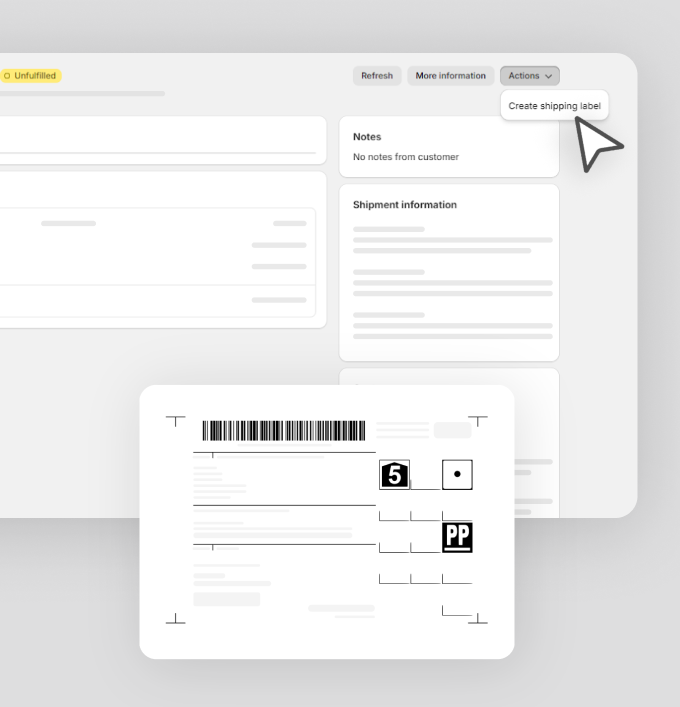
Keep the shipping process organized by syncing orders between you and your carriers. Create and print labels within the app to fulfill orders faster.
Automatic order sync with carriers
Create and print shipping labels in seconds
Create or print labels individually or in bulk
Add shipping notes for better organization
Connect with fulfillment services anywhere you are
Working with a fulfillment partner? PickupBird orders include all pickup point details needed for fulfillment services.
Start Free. Stay Free. Forever.
The easiest way to add pickup points and parcel lockers to Shopify – free forever.
Install the PickupBird Shopify pickup point app in just a few clicks. No technical knowledge required.
For all Shopify plans
Add a map to store on any Shopify plan. For Checkout list, a plan above Shopify Basic, for Checkout map, Shopify Plus is required.
Flexible payment options
Connect shipping methods with payment options, including Cash on Delivery, so customers always see the right choices.
Shipping zones control
Create shipping zones by country or region and control which shipping providers appear for each area.
Editable pickup point
Store admins can modify the selected pickup point after the order is placed, giving full control over delivery details.
Optimized for Shopify themes
PickupBird works with a wide range of Shopify themes to seamlessly fit your store’s look and feel.
Multilingual display
Display pickup point selection in multiple languages on Smart Delivery Page, Cart, Checkout, Thank You pages for a consistent shopping experience.
Mobile-friendly experience
Both the map and list views are optimized for mobile, making it easy for customers to choose pickup points on any device.
ERP, OMS & WMS integration
Straight-forward integration with ERP, OMS & WMS systems with a data field mapping solution.
3 steps to get started
Integrating the PickupBird Shopify pickup point app to your online store takes only a few clicks. You don’t have to be a tech savvy. Still have any questions? Our support is happy to help.
Get the app
Install the PickupBird app from the Shopify App Store.
Connect carriers
Follow the quick setup guide, helping to set up pickup points and customize the integration.
Activate the app
After setting up everything, activate PickupBird on the app’s dashboard to get it up and running in your Shopify store.
The app works very well, brought in more customers due to the integrations, 10/10 customer service, I'm absolutely satisfied with them 🙂 I recommend it to everyone!
Domshop Accessories
★★★★★
The design is very good, easy setup, and outstanding customer service. The free package offers satisfying features, but the paid packages are also considered good deals. 100% recommended app!
Forever Hands
★★★★★
Really great app! Exactly what I was looking for. The support was super helpfull. The best shipping app in the market!
neilacare.hu
★★★★★
Really helpful customer service always there when needed. The app makes our life so much easier and customers loving it too. Highly recommended.
homokfestés.hu
★★★★★
I was really looking forward to this app because the developer company does extremely high quality work in all areas related to Shopify. This app is no exception: a very well done product.
Urban Look
★★★★★
This app fills up a really important missing space in the Central European e-commerce. It is super easy to set up, works fast, and responds immediately.
Frequently Asked Questions
Can I test PickupBird for free before I subscribe?
PickupBird offers a free plan and a 14-day free trial on any of the monthly plans. During this time you are able to use all functionalities of the plan you chose.
If you want to test PickupBird before you install or subscribe, try our demo store. More about demo stores
How will the PickupBird integration show in my Shopify store?
PickupBird offers two ways to showcase pickup points in your online store: an Interactive Map Display on the Smart Delivery Page, Cart, Checkout, and Thank You pages, and a Checkout Display presenting the five closest pickup points in a list view. You can customize the map’s appearance to best fit your store layout.
Do I need a contract with the carriers?
Yes, you need a registration and/or a contract with carriers to create shipments. For some shipping providers in the app, you need to provide your API/contact details to synchronize order details automatically. For a few carriers, PickupBird simply adds the pickup point map to your store, but you need to go to their platform to create shipments. In both cases, you need a registration with them.
Which countries does PickupBird support?
PickupBird offers integration in multiple countries. View full list
Add pickup points to Shopify. Simple. Fast. Free to start.
Enjoy Free until you actually use PickupBird at scale – or Try Pro 14-days free.