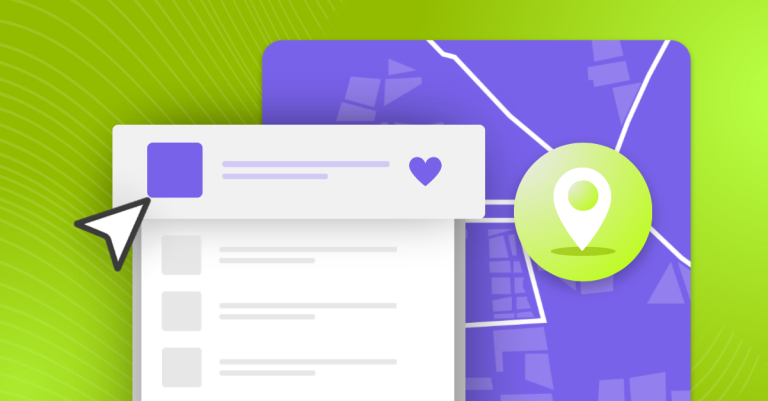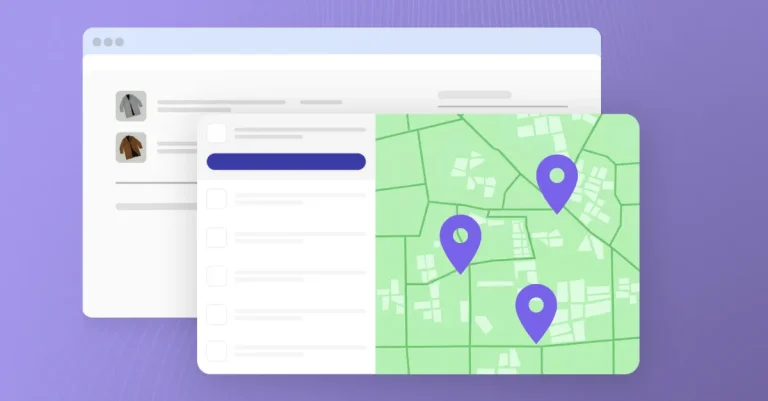
Your customers have a go-to pickup point, just like they have a go-to coffee shop. Now they can keep it saved in your Shopify store. With PickupBird’s new favorites feature, logged-in customers can save favorite pickup points on Shopify directly on the Smart Delivery Page, ready to use when they shop with you again.
For repeat shoppers, choosing delivery often means returning to the same location: a parcel shop near home, a pickup point beside the office, or a convenient stop along their usual route. Having to find it again adds an unnecessary task to each purchase.
Saved favorites make that choice easier to revisit. Now available with PickupBird. Customers can keep the pickup points that suit their routines, while your store offers a more familiar delivery selection experience when they come back.
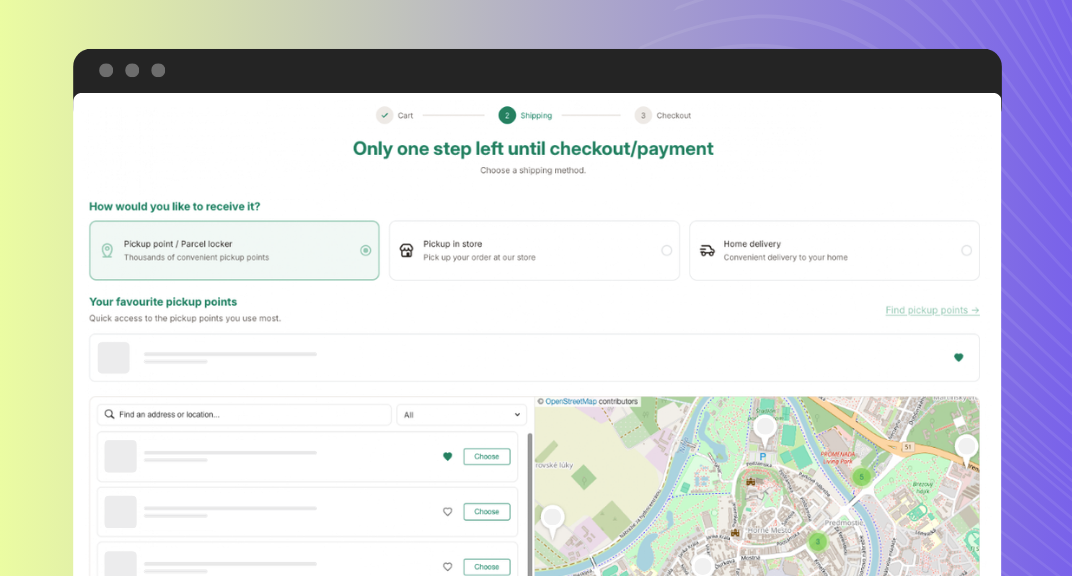
Let Buyers Save Favorite Pickup Points
Think about a customer placing their third order from your store. They know what they want, add it to their cart, and head toward Checkout. They also know exactly where they want to collect it: the parcel shop they pass on their way home.
Without a saved preference, they have to find that location again.
PickupBird now lets them save that familiar spot as a favorite. When they return to your store, their preferred pickup location is easier to revisit during delivery selection.
For merchants, this is a way to make repeat shopping more convenient at a step that deserves as much attention as product discovery or payment. A returning customer should be able to spend less time repeating decisions they have already made.
How to Enable Favorites in PickupBird
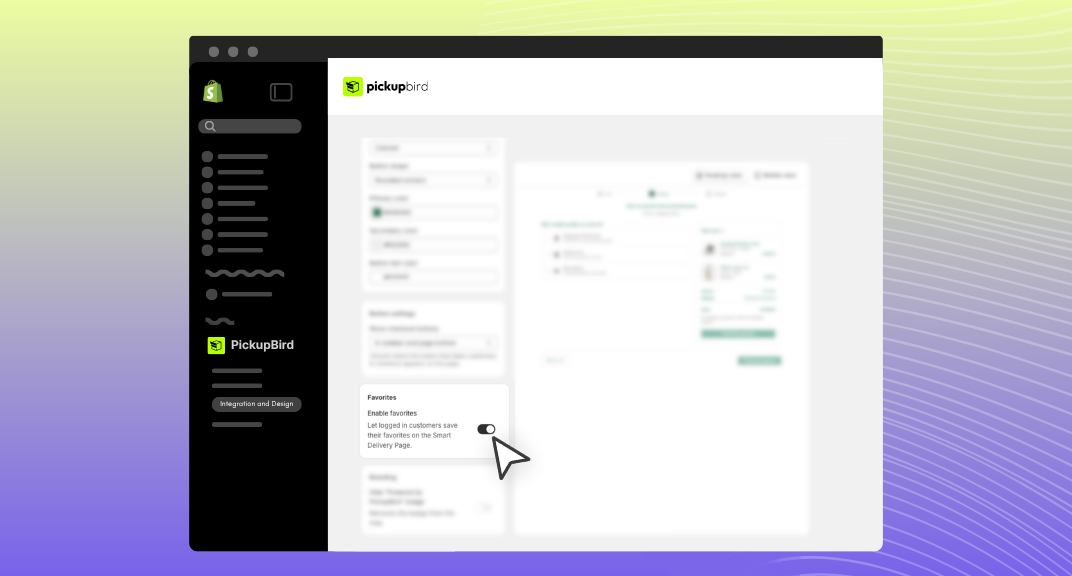
To let logged-in customers save their favorite pickup points, enable the feature in your Smart Delivery Page settings:
- Open the installed PickupBird app in your Shopify admin.
- Go to the Integration and Design menu.
- Find Smart Delivery Page with Interactive Map and click Settings.
- On the Page Design tab, scroll down to the Favorites section.
- Turn on Enable favorites.
Once enabled, logged-in customers can save their preferred pickup points on the Smart Delivery Page.
How Shoppers Save Favorite Pickup Points
After you enable the feature of saving favorites in your PickupBird account, your customers can use favorites as part of choosing delivery in your store.
Let’s see how they will be able to save favorites.
1. Sign in to Their Store Account
Customers need to be logged in to save favorites. This makes the feature particularly relevant for shoppers who already have an account and return to your store for repeat purchases.This makes the feature particularly relevant for shoppers who already have an account and return to your store for repeat purchases.
2. Find Their Preferred Pickup Location
On the Smart Delivery Page, shoppers choose to ship with pickup points, explore the available options on an interactive map, and find a location that works for them.
3. Save it for Future Orders
Customers save the pickup point as a favorite and continue with their purchase. On a later visit, they can return to their saved locations when choosing delivery again.
Convenience Depends on the Customer’s Routine
Distance is only one part of choosing a pickup point. A shopper may prefer a location because it is beside their workplace, close to their child’s school, or next to the supermarket they visit on Saturdays.
Giving customers the option to save favorite pickup points on Shopify lets those personal preferences carry into future shopping visits.
- A Familiar Stop on the Way Home: For someone who regularly passes the same parcel shop, collecting an order can fit naturally into the journey home. Saving that location keeps a useful choice close at hand.
- A Regular Destination for Repeat Purchases: Stores selling skincare, pet supplies, coffee, or other frequently ordered products often serve customers who return for the same essentials. A saved pickup point helps make delivery selection feel familiar alongside the products they already know.
- Less Searching on a Small Screen: Finding a specific location on a mobile map can involve searching, zooming, and checking nearby results.
Built Into the Smart Delivery Page
The new favorites feature is available to logged-in customers on PickupBird’s Smart Delivery Page.
This is the dedicated page between Cart and Checkout where shoppers choose how to receive their order. It brings the interactive pickup point map and cart summary together, so delivery selection has its own place in the shopping journey.
The experience brings together:
- An interactive pickup point map to explore the locations available through your store.
- Saved favorites for logged-in customers to keep preferred pickup points for another purchase.
- A visible cart summary so shoppers can review their items while choosing delivery.
- A route to Checkout once they have made their delivery selection.
Already using the Smart Delivery Page? Favorites give returning customers another useful reason to sign in before choosing their pickup point.
Give Returning Shoppers One Less Thing to Search For
A convenient pickup point can become part of a customer’s routine after a single order. PickupBird now gives them a way to keep it saved in your store.
Let logged-in customers save favorite pickup points on Shopify with the new favorites feature on the Smart Delivery Page, and make their next delivery choice a little more familiar.
Explore PickupBird’s delivery features or add PickupBird to your Shopify store.
Frequently Asked Questions
Can customers save favorite pickup points on Shopify?
Yes. With PickupBird, logged-in customers can save favorite pickup points on Shopify through the Smart Delivery Page. This lets them keep preferred locations for future delivery selections in your store.
Do customers need to log in to save a favorite?
Yes. Customers need to be logged in to your store to use the favorites feature on the Smart Delivery Page.
Where can customers save their favorite pickup points?
Customers can save favorite pickup points on PickupBird’s Smart Delivery Page, the dedicated delivery selection page between Cart and Checkout.