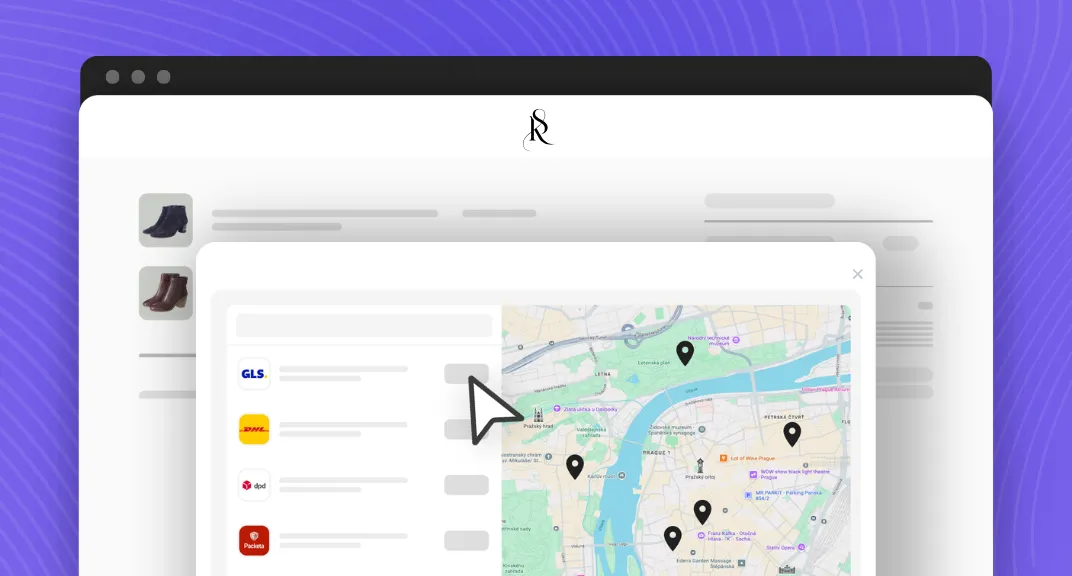
Pickup points on Cart page now fit even more naturally into your Shopify checkout flow. PickupBird’s updated Cart integration opens a delivery selection popup when shoppers click the Checkout button. Customers choose a pickup point or parcel locker on an interactive map, and continue to checkout.
Same choice for your customers, with a cleaner cart page for your store. Available on every Shopify plan and every PickupBird plan, including Free.
What’s New with Pickup Points on Cart Page?
PickupBird’s Cart integration has a fresh look available and a new way to guide customers through delivery selection.
Previously, shoppers selected their delivery option directly on the cart page. With the new version available to pick, the selection opens in a popup after they click the Checkout button. This gives delivery its own moment in the purchase journey, while keeping the cart focused on the products customers are buying.
It brings pickup point selection into the next step shoppers take before reaching Shopify checkout.
For your customers, the flow is straightforward:
- Review the cart and click the Checkout button.
- Choose a delivery option in the PickupBird popup.
- Select a pickup point or parcel locker on the interactive map when choosing pickup delivery.
- Review the selected location and continue to checkout.
Customers still get to choose where to collect their order. The difference is when and how that choice appears.
A Delivery Step That’s Harder to Overlook
A cart page can contain product details, quantity controls, order notes, recommendations, and more. A delivery selector placed among these elements can be easy to scroll past when a customer is ready to buy.
The new PickupBird popup presents delivery selection right when shoppers click Checkout. Instead of relying on customers to notice a selector on the page, it makes the choice their next step.
1. Put Pickup Point Selection in Focus
When shoppers choose pickup delivery, selecting a location becomes part of the flow they complete before continuing to checkout.
The interactive map appears in a dedicated popup, so customers can focus on finding a suitable parcel shop or locker. They do not need to search the cart page for the delivery selector.
2. Keep Your Cart Page Cleaner
Moving the selector into a popup leaves more room for the cart itself. Customers can review their products and order total first, then make their delivery choice.
The pickup options remain available without keeping the selection interface open on the cart page. It is a refreshed layout for stores that want pickup point delivery to fit naturally into the shopping experience.
An Interactive Map for Pickup Points
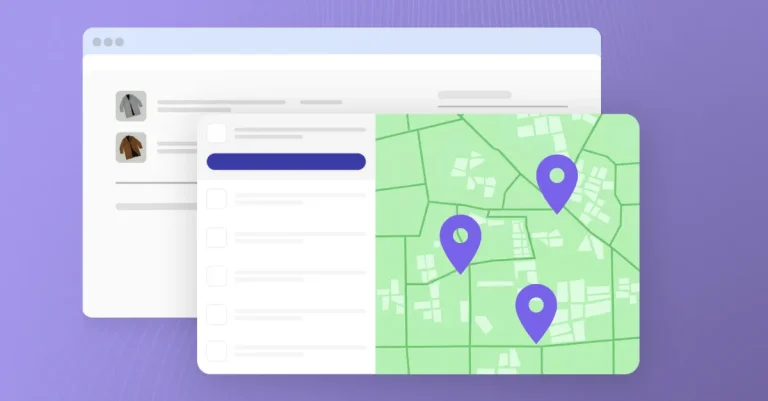
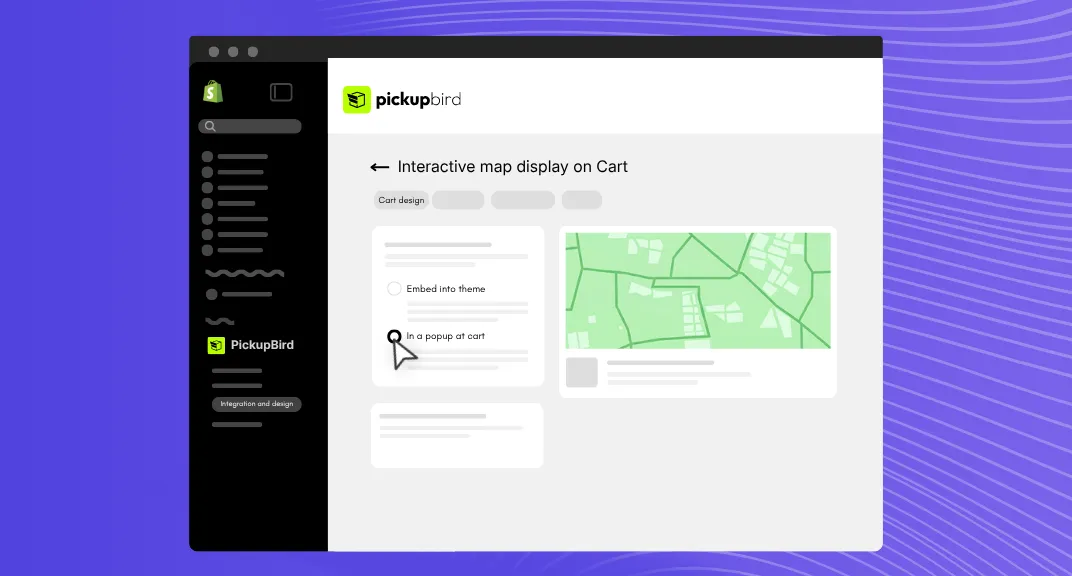
For customers choosing pickup delivery, the popup includes an interactive pickup point map. They can browse the available locations and choose a pickup point or parcel locker that suits their day.
A location near work might be more convenient for one customer. Another might prefer a parcel locker close to home. Showing the options on a map helps shoppers understand where they can collect their order.
With pickup points on Cart page presented this way, the delivery decision has a clear place in the journey: after reviewing the cart and before entering checkout.
Available on Every Plan
You do not need Shopify Plus to use the new Cart popup. The Cart integration works on every Shopify plan, and it is available on every PickupBird plan as well.
Because customers make their selection before entering checkout, this Cart integration gives stores a way to offer an interactive pickup point map within their checkout flow.
That also includes stores using PickupBird’s Free plan, which stays free forever.
Free Forever, with the Features to Get Started
PickupBird’s Free plan lets you offer pickup point delivery without a monthly app subscription fee. It includes one carrier and up to 50 orders per month, along with features such as shipping label printing, bulk printing, and cash on delivery settings.
For stores whose needs fit those limits, it provides a practical way to make pickup locations part of the shopping experience while keeping app costs down.
With the Free plan, you can:
- Use the new Cart popup to present delivery selection before checkout. (or pick any other integration method)
- Offer an interactive map for choosing pickup points and parcel lockers.
- Connect one carrier for your store’s deliveries.
- Handle up to 50 orders per month within the plan.
- Stay on Free without a time limit.
Free forever means there is no trial countdown on the Free plan. You can keep using it for as long as its features and limits suit your store.
Need More Carriers?
PickupBird’s Pro and Plus plan includes unlimited carriers and unlimited orders, with a 14-day free trial. You can choose it when your store needs more capacity or additional carrier options.
Give Your Cart a Fresh Pickup Experience
Make delivery selection a clear next step when customers are ready to check out. With PickupBird’s updated Cart integration, shoppers choose their pickup point in a focused popup, while your cart page keeps a cleaner look.
Available on every Shopify plan. Included in PickupBird Free. Free forever within your plan limits.
Frequently Asked Questions
How does the new PickupBird Cart popup work?
When a customer clicks the Checkout button on the cart page, PickupBird opens a popup for delivery selection. Customers choosing pickup delivery select a pickup point or parcel locker on an interactive map, review their choice, and continue to Shopify checkout.
Can I use the new Cart integration for free?
Yes. The new Cart popup is available on PickupBird’s Free plan. The plan stays free forever and includes one carrier and up to 50 orders per month.
Is the pickup point map always visible on the cart page?
In the new version, the map appears inside the popup after the customer clicks Checkout. The delivery selection interface does not sit directly within the cart page layout.